GLOMAX8K
“How fast does my internet need to be?” is one of the first questions people ask before subscribing to Glomax 8K. The honest answer is that speed matters, but stability matters just as much. A connection that delivers 30 Mbps consistently will usually give a better viewing experience than one that peaks at 100 Mbps but drops sharply every few minutes. This guide explains the numbers and, more importantly, what you can do at home to stream smoothly.
How much speed each quality level needs
Video streams are compressed, and the amount of data they use depends on resolution, frame rate, the codec and how much movement is on screen. Fast-moving sports use more data than a slow drama. As a practical guideline for one screen:
| Quality | Resolution | Recommended speed per screen |
|---|---|---|
| SD | Up to 576p | 5 Mbps |
| HD | 720p | 10 Mbps |
| Full HD | 1080p | 15–20 Mbps |
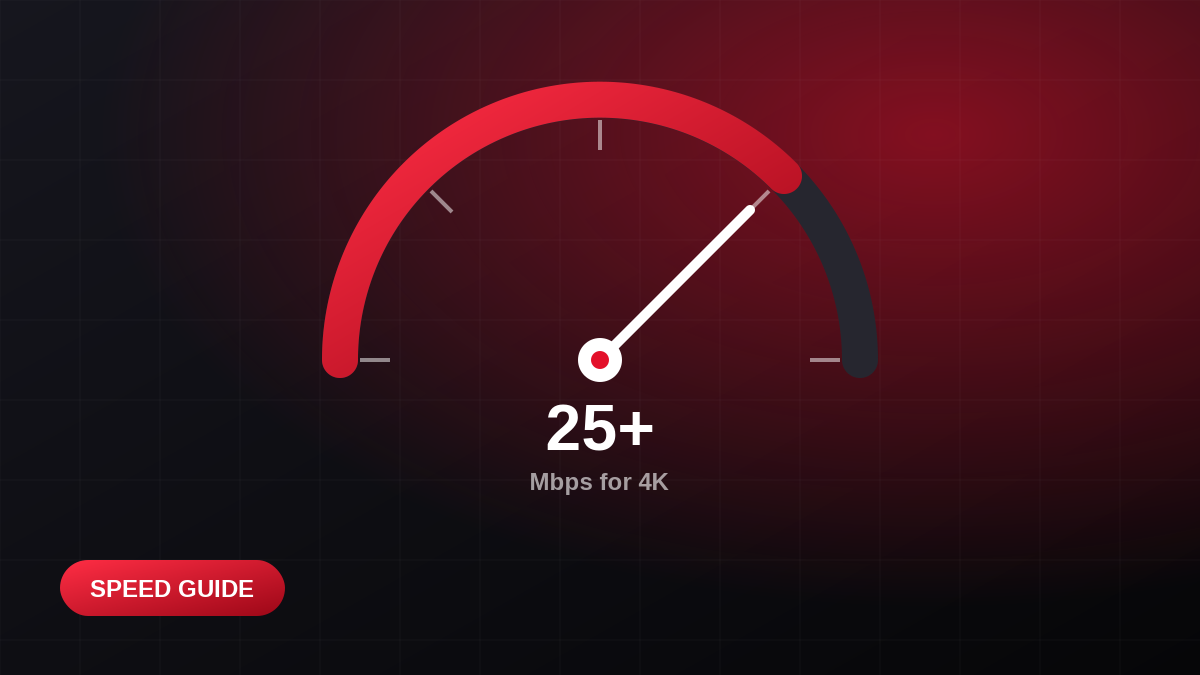
| 4K Ultra HD | 2160p | 25 Mbps or more |
These figures include some headroom. A stream may use less on average, but live TV cannot pause to catch up the way a downloaded film can, so a margin above the average protects you against short dips.
Planning for several screens
Add up what everyone in the house is doing at the same time. If one person watches a 4K channel (25 Mbps), another watches Full HD in the bedroom (15 Mbps) and someone else is on a video call (around 3–5 Mbps), you need roughly 45 Mbps of reliable bandwidth during that time, plus room for phones updating in the background.
Why stability matters more than peak speed
Speed test results show what your connection can do for a few seconds. Live streaming needs that performance continuously, for hours. Three things often get in the way:
- Wi‑Fi interference: walls, microwaves, neighbouring networks and distance from the router all reduce Wi‑Fi throughput and cause sudden drops.
- Peak-time congestion: in the evening, when everyone in your area streams, some providers’ networks slow down.
- Packet loss and jitter: small interruptions that do not show up in a basic speed test but can make a live stream stutter.
How to test your connection properly
- Run a speed test on the device you watch on, not on your phone next to the router. Many TV browsers and streaming sticks can run a speed test site or app.
- Test at the time you usually watch, for example 8–10 pm.
- Run the test two or three times and look at the lowest result, not the highest.
- If possible, look at the “jitter” and “packet loss” values too. Low numbers are what you want.
Seven fixes that actually reduce buffering
1. Use Ethernet wherever you can
A cable between your router and your TV or box removes Wi‑Fi interference entirely. If running a cable is impossible, powerline adapters (which use your home’s electrical wiring) are often better than a weak Wi‑Fi signal.
2. Move to the 5 GHz band or upgrade to mesh Wi‑Fi
The 5 GHz band is faster and less crowded than 2.4 GHz, though its range is shorter. In larger homes, a mesh Wi‑Fi system places access points closer to your devices.
3. Reposition your router
Place the router high, central and in the open, not inside a cabinet or behind the TV. Even a move of a metre or two can make a noticeable difference.
4. Restart your router and device
Routers and streaming devices run for weeks without restarting. A restart clears memory and often resolves unexplained slowdowns.
5. Pause heavy downloads during live events
Game downloads, cloud backups and large updates can use all available bandwidth. Schedule them for overnight.
6. Choose the right quality for the screen
4K is wonderful on a large 4K TV, but on a phone or small TV the Full HD or HD version looks almost identical and is far less demanding. Glomax 8K offers multiple quality options for many channels, so pick the one that fits.
7. Check your device
Sometimes the bottleneck is not the network but the device. Older sticks and TVs can struggle to decode 4K or HEVC streams. Our streaming stick guide explains which specifications to look for.
What about 8K?
Despite our name, Glomax 8K streams in HD, Full HD and 4K, not 8K. 8K streaming would typically require 50–100 Mbps or more per screen and an 8K TV, and very little live content is produced in 8K today. For now, 4K offers the best balance of detail and practicality.
Summary
- HD: around 10 Mbps. Full HD: 15–20 Mbps. 4K: 25 Mbps or more, per screen.
- Add up all simultaneous streams in your household.
- Stability beats peak speed: use Ethernet or strong 5 GHz Wi‑Fi.
- Test on your viewing device at peak hours.
Still seeing buffering after trying these steps? Contact our support team with your speed test result and device details and we will help you find the cause. Ready to start? Compare Glomax 8K plans.